





Accounting App to Create E-Invoices using Salesforce
Learn more!
to accounting app
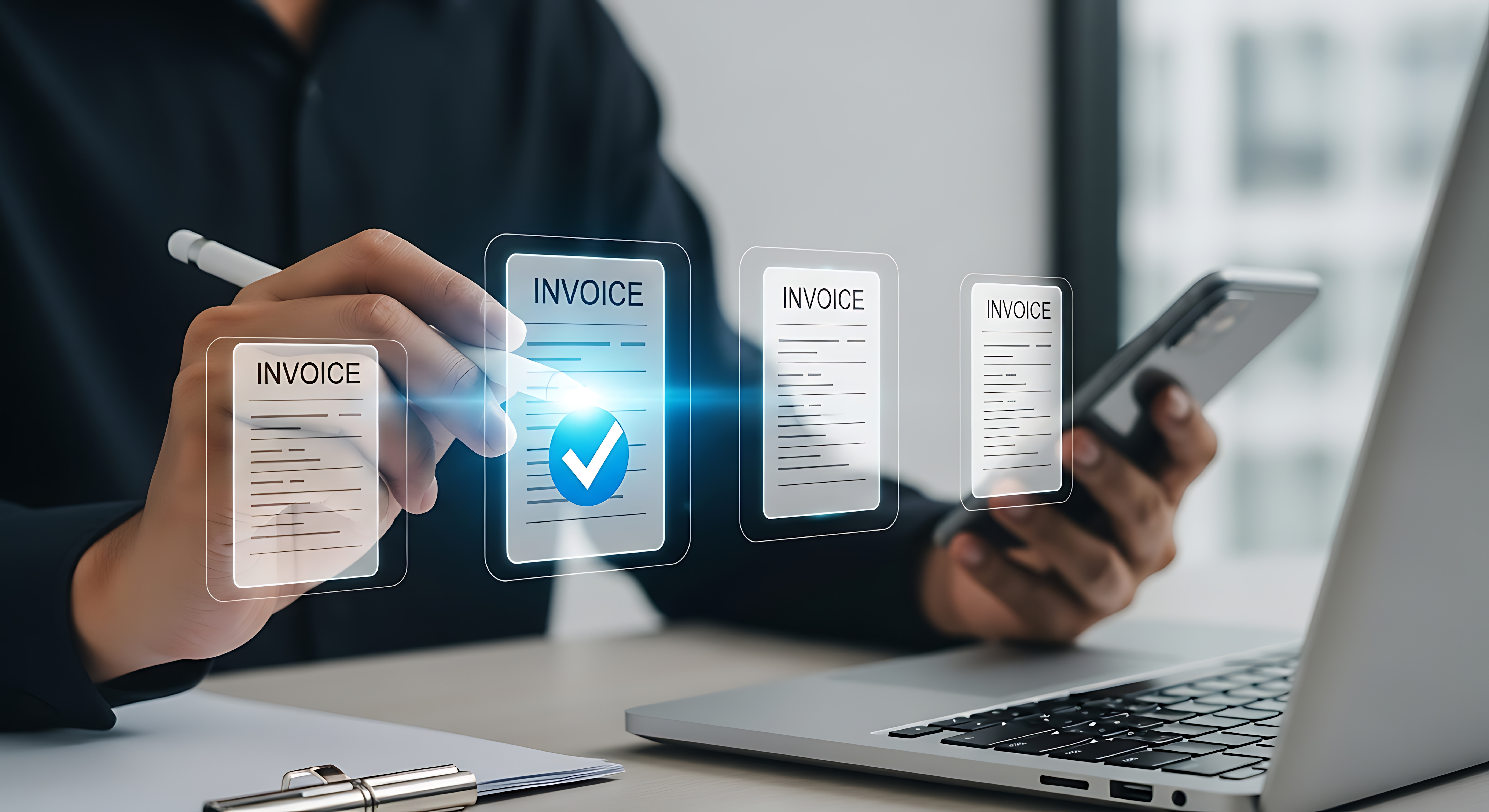
Not every tool can handle every invoice type: these are the questions you should clarify before switching to a new tool for creating e-invoices.
Being e-invoicing-capable isn’t automatically enough. Many tools can generate a standard invoice in the right format (e.g. ZUGFeRD or XRechnung). But with the first cancellation invoice, partial invoice, or self-billing invoice, it often turns out that these cases aren’t covered. If you’re evaluating a tool for creating e-invoices, you should ask the following questions before making a decision.
Every company doing B2B business needs the standard invoice as an e-invoice. But depending on your business model, additional cases almost always come up, often within just a few months. Before choosing a tool, it’s worth looking at your own practice: which of the following invoice types will you probably need?
So: any company can end up needing a cancellation invoice. Whichever tool you choose, make sure your e-invoicing tool can handle cancellation invoices. Partial invoices, down payment invoices, and self-billing invoices, on the other hand, are dependent on your business model or industry, but if you need them, test them specifically before deciding, rather than relying on a feature list.
Finblick, our accounting app for Salesforce, covers all four cases directly in Salesforce. Learn more about Finblick’s e-invoicing feature →
Many solutions only generate e-invoices after an export to an external system. That means additional system breaks, more room for error, and often manual extra steps, especially for special cases like cancellations.
For companies already using Salesforce, the advantage of Finblick is that it creates e-invoices entirely within the Salesforce org, including the cancellation invoice, which is then automatically linked to the original invoice.
If your accounting is subsequently processed in DATEV, it’s worth asking whether invoice data is handed over cleanly and without manual rework, including all special cases like cancellations and self-billing invoices. A tool that creates e-invoices but doesn’t offer a structured DATEV export just shifts the effort from invoicing to accounting.
Finblick offers a direct DATEV integration for this.
Both formats meet the legal requirements because they comply with the European standard for electronic invoices (EN 16931).* What matters isn’t just whether a tool offers e-invoices in these formats, but also whether it a) also supports other invoice types and b) regularly updates the formats to current versions. Both standards keep evolving.
For more on the differences between the two formats and when to use which, see our blog post on e-invoicing with Salesforce →.
* As explained in the linked post, for ZUGFeRD this technically only applies from version 2.0.1 onward.
The decisive question when choosing a tool is rarely whether a provider can create e-invoices at all, but whether the tool can handle all the invoice types that actually come up in everyday business. Testing that before you decide, rather than relying on a feature list, saves you unpleasant surprises later.
Already a Salesforce user? Get your personal look at Finblick and get in touch with any questions about e-invoicing from Salesforce! 📆 (Click the link to book an appointment directly!)
In short: here are the key questions from this article again, with compact answers for quick reference.
Not whether a tool can create e-invoices at all, but whether it covers all the invoice types that actually come up in everyday business. Test that specifically before you decide.
Besides the standard invoice, every tool should at least be able to create cancellation invoices as e-invoices, that affects practically every company. Partial invoices, down payment invoices, and self-billing invoices are also important depending on your business model.
Not with every tool: many only generate e-invoices after an export to an external system. Finblick creates e-invoices, including cancellation invoices, entirely within the Salesforce org.
Very important if your accounting subsequently runs through DATEV: without a structured export, the effort just shifts from invoicing to accounting. Finblick offers a direct DATEV integration.
Both formats meet the legal requirements if they comply with EN 16931. Also check whether a tool supports other invoice types and keeps the formats regularly updated.
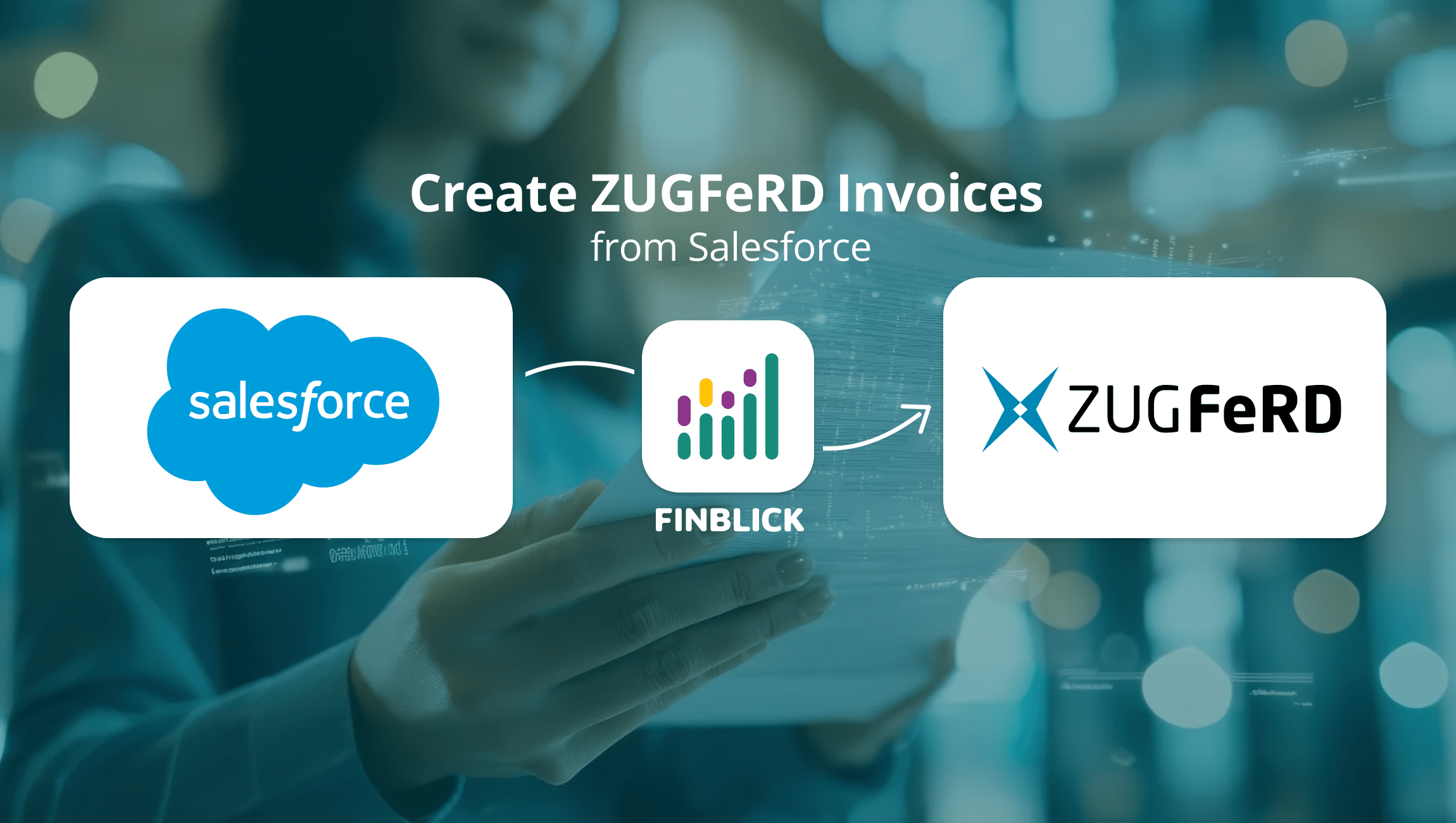
Want to create ZUGFeRD invoices in Salesforce – directly, without extra tools or manual exports? With Finblick, this takes ...
With the Finblick AI Agent for Quoting, you can create a complete quote from your meeting notes with a single prompt – ...
Finblick introduces a new feature: global discounts and surcharges directly in Salesforce. It is ideal for SMEs working with ...

We look forward to hearing from you and will usually reply within one business day!