






Salesforce Bank Connect
Connect your bank accounts directly to Salesforce and automate payment reconciliation end to end. Bank transactions, invoices, and credit notes stay in sync automatically – giving finance teams full transparency without leaving Salesforce.
- Automatic retrieval of bank transactions
- Broad European bank coverage via FinAPI
- Automatic and manual payment matching
- Multiple banks and accounts per tenant
- Foundation for automated dunning



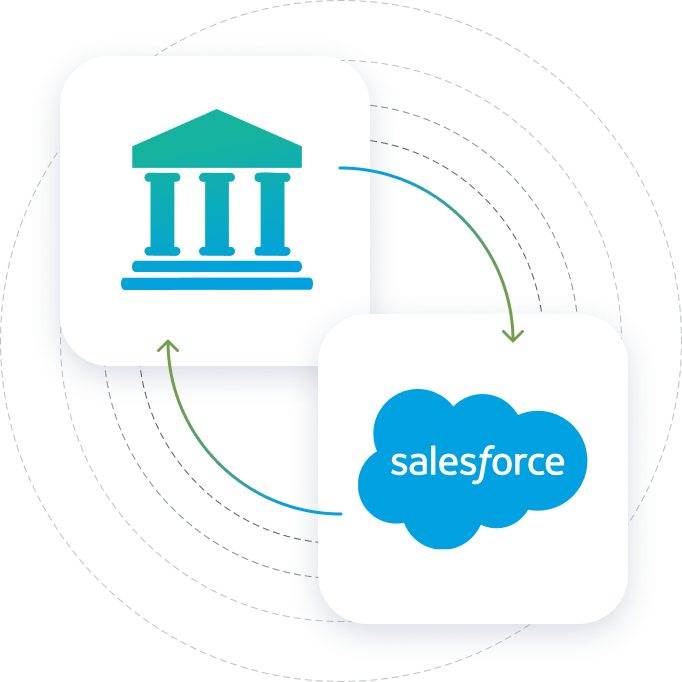
ONE CONNECTION, FULL VISIBILITY
The Integration at a Glance
Finblick uses FinAPI, a leading Open Banking provider, to connect Salesforce to a large number of European banks — retrieving transactions automatically and keeping your payment status up to date.



Multiple Banks per Tenant
Connect several bank accounts and banks for each tenant — even across different countries. That makes it easy to manage multiple banks, accounts, and legal entities within a single company, all from one Salesforce org.
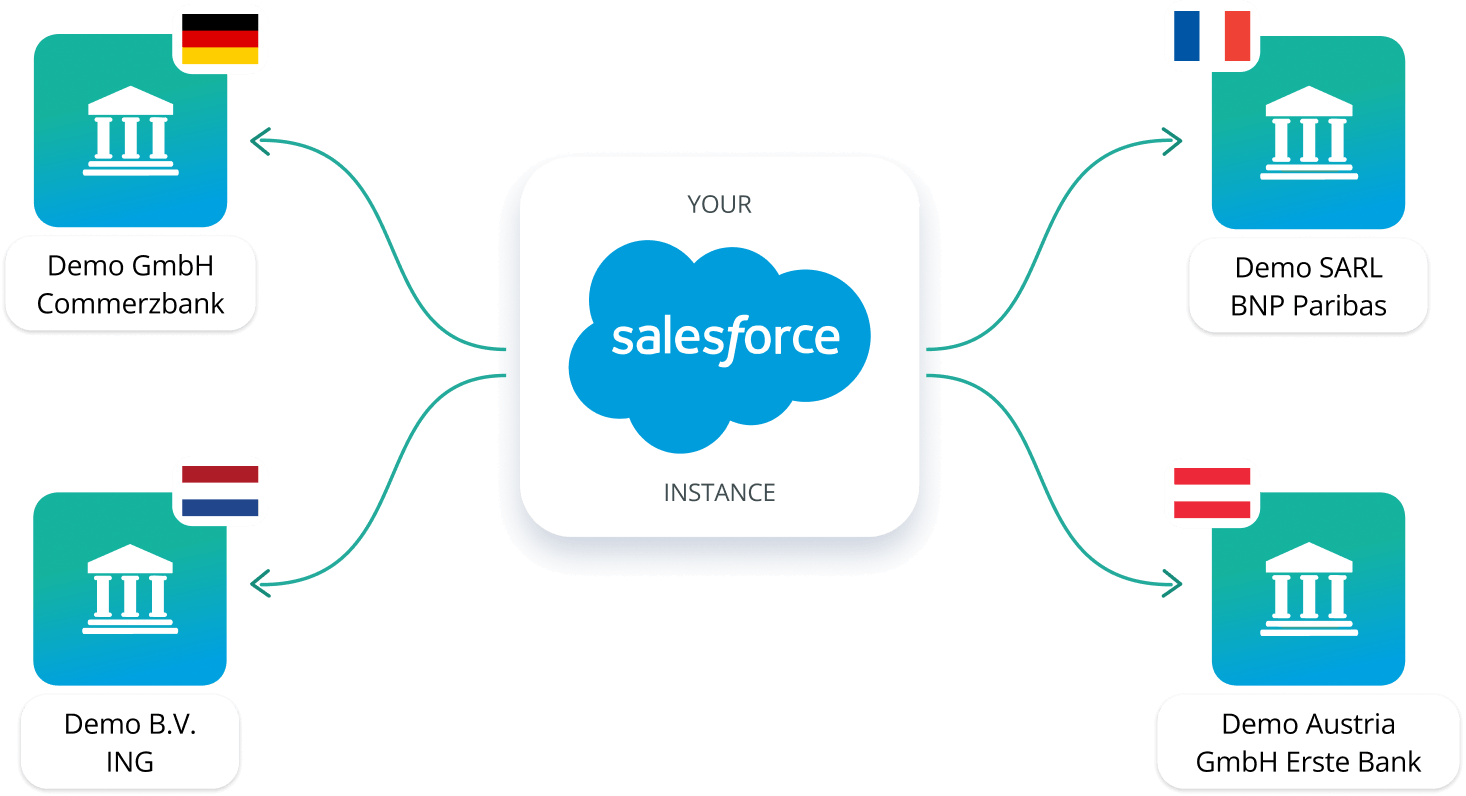

Broad European Bank Coverage via FinAPI
Finblick connects to a large number of European banks through FinAPI, a leading Open Banking provider. Detailed information about supported banks is available on the FinAPI website


Automatic Retrieval & Payment Matching
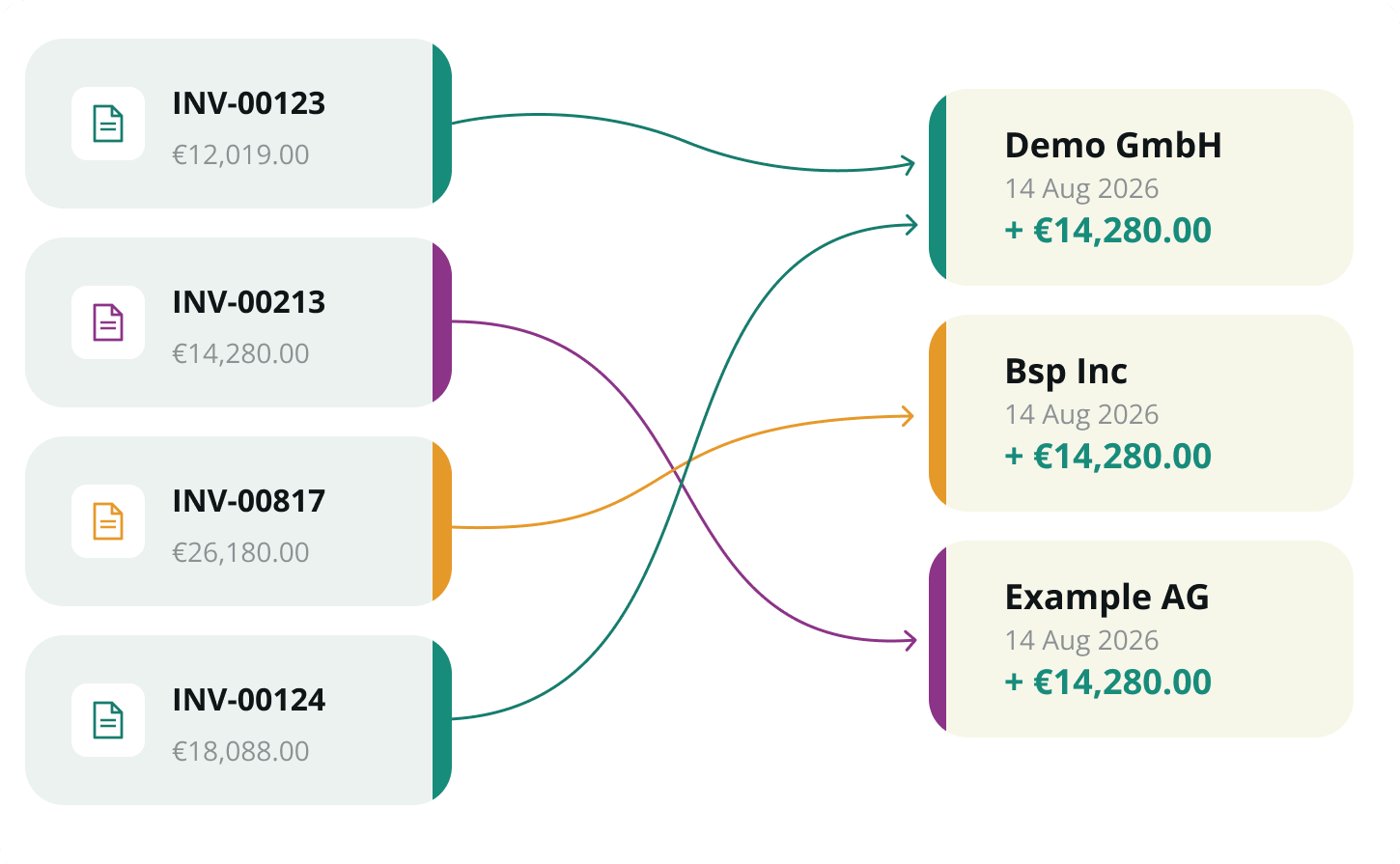
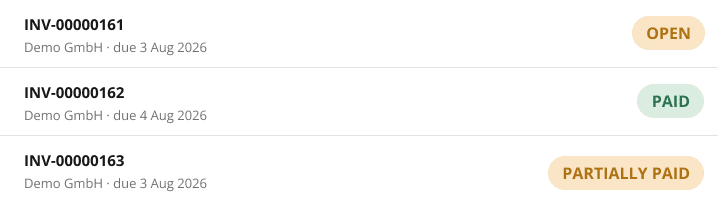
Finblick automatically retrieves bank transactions from your connected banks and makes them available directly in Salesforce — every incoming and outgoing payment, centrally accessible and always up to date, no manual imports required. From there, transactions are matched with invoices and credit notes automatically, based on reference data and amounts, or manually whenever automatic matching isn't possible. Once matched, transactions are marked as settled, and invoices or credit notes are automatically updated to "paid" or "partially paid", ensuring accurate and reliable payment status tracking.
WHAT COMES NEXT
Basis for Automated Dunning
Based on up-to-date payment information, Finblick enables a structured dunning process. Open and partially paid invoices are reliably identified — forming the foundation for automated reminders and follow-up processes.
Frequently asked questions about finblick
Frequently Asked Questions About the Bank Integration
Here you’ll find answers to common questions about Bank Reconciliation in Salesforce and our Bank Integration. For specific requirements, we’re happy to advise you individually.
How does the bank integration work in Salesforce with Finblick?
Finblick connects your bank accounts to Salesforce and automatically retrieves transactions through FinAPI, a leading Open Banking provider. Every incoming and outgoing payment from your bank becomes visible directly in Salesforce, kept up to date without manual imports or CSV uploads.
Can I reconcile payments directly in Salesforce, or do I need a separate accounting tool?
Yes, with Finblick you can reconcile payments directly in Salesforce. Bank reconciliation happens directly inside Salesforce with Finblick, so there's no need for a separate accounting tool just to match payments. Everything from the initial bank connection to the final invoice status runs in one system.
Can transactions be matched automatically to invoices in Salesforce?
Yes. Finblick matches incoming bank transactions to open invoices and credit notes automatically, based on reference data and amounts. Matching that can't be resolved automatically, for example when a single payment covers multiple invoices, can be completed manually. Once matched, invoices update to paid or partially paid automatically.
Which banks and countries are supported via FinAPI?
Finblick uses FinAPI to connect to a large number of banks across Europe, including Germany, Austria, France, and the Netherlands. Detailed information about supported banks is available on the FinAPI website.
Does Finblick support international bank accounts and multiple legal entities?
Yes. Each tenant can connect multiple banks and accounts, even across different countries, so bank integration works for group structures with several legal entities inside a single Salesforce org. This ties directly into Finblick's multi-tenancy, which lets you manage several companies from one Salesforce instance.


Automate your payment reconciliation in Salesforce
Connect your banks, retrieve transactions automatically, and keep invoices and credit notes reconciled — all directly in Salesforce. Any questions? Just book a demo.