





Accounting App to Create E-Invoices using Salesforce
Learn more!
to accounting app
With the Finblick AI Agent for Quoting, you can create a complete quote from your meeting notes with a single prompt – directly in Salesforce. The Finblick AI Agent for Quoting is a concrete example of how Agentforce can support you in your quoting process, from reading opportunity data to generating a ready-to-send document.
Your meeting just ended. The client wants a quote — specific products, specific quantities, maybe a discount. Normally, that means opening Salesforce, finding the opportunity, adding line items manually, double-checking prices, and writing an introduction text. All of that takes time, and it’s the kind of work that piles up.
With Agentforce quoting, that entire process collapses into a single prompt. In this post, we’ll show you exactly how it works — and how Cloudwharf built the Finblick AI Agent for Quoting on top of Salesforce Agentforce to make this possible.
Agentforce quoting means using a Salesforce AI agent — built on Agentforce — to create a structured, ready-to-send quote directly from within a Salesforce Opportunity. Instead of clicking through menus and filling in fields manually, you simply tell the agent what you need, and it does the work.
The agent reads the context available in your Opportunity and Salesforce environment — including meeting notes, account details, and product information — and uses that to build the quote. No copy-pasting, no switching between tools, no external spreadsheets.
Here’s a real-world example of how Agentforce quoting can work in practice with the Finblick AI Agent for Quoting:
Let’s say: After a call with a potential client we have documented the meeting directly in the Salesforce Opportunity. The notes include what the client wants: five users on the Finance license, three users with read-only access, two Sales users, and the DATEV add-on for Finblick.
Instead of translating those notes into quote line items by hand, we just open Agentforce and type:
“Create a quote based on the information in the opportunity.”
That’s it. The AI agent reads the meeting notes, identifies the relevant products and quantities, and creates a complete quote — all within Salesforce.
1. Start from the Opportunity
Everything begins in a standard Salesforce Opportunity. The meeting notes are already there — documented after the call. No extra preparation needed.
2. Open Agentforce and send your prompt
We just open the Agentforce panel and type a simple instruction: “create the quote based on the opportunity”. The Finblick AI Agent for Quoting takes it from there.
3. The agent extracts and builds
The agent reads the notes, identifies the relevant Finblick license types and quantities, and creates a structured quote with the correct line items — including the DATEV add-on mentioned in the meeting.
4. Add header, footer, and introduction
In a follow-up prompt, we could ask the agent for example to add a header and footer text. To do that, Finblick pulls from pre-configured text templates — so the introduction and terms are applied automatically based on a description for Agentforce in the text templates and the products in the quote. (Note: In the implementation of the AI agent in the video above, that step was not needed.)
5. Apply a discount
One more prompt, if you want to add a discount: “Please add a 10% discount to the quote.” Done. A global discount is applied across the line items in seconds.
6. Generate and send
Now, we can close the agent, click “Generate Quote Document,” and send it. That’s it. The entire process takes about two minutes.
Standard quoting in Salesforce — even with a tool like Finblick — still requires the rep to interpret the meeting notes and manually add products and quantities. Agentforce quoting removes that translation step entirely. The agent reads, interprets, and acts. We just review and send it out.
This is particularly valuable when deal velocity matters: a quote that goes out the same day as the call lands very differently than one that arrives two days later.
Moreover, many sales reps enjoy talking to clients — building relationships, understanding needs, closing deals. Fewer enjoy the administrative side of turning a conversation into a formal quote. Agentforce takes over exactly that part, so reps can spend more time on what they enjoy and are best at.
It’s also worth noting that the Finblick AI Agent for Quoting is an optional add-on — not a replacement for the standard quoting workflow. Teams that prefer full manual control can keep working exactly as before. The agent is there for those who want to move with it.
Quoting is one of the most concrete Agentforce use cases for sales teams — because the input (in the case above: meeting notes) and the output (a quote) are both clearly defined. There’s no ambiguity about what success looks like.
But it’s also just a starting point. The same underlying approach (giving a Salesforce AI agent access to CRM context and letting it act on natural language instructions) applies to a range of sales and finance workflows. We are actively working on additional agents, and quoting is the first one available through Finblick.
This also ties into Salesforce’s broader move toward a headless architecture — where AI agents act as a new kind of interface on top of existing data and processes, rather than replacing them. You can read more about Salesforce’s Headless 360 announcement on their website.
Here you'll find answers to the most common questions about Agentforce quoting and the Finblick AI Agent for Quoting.
Agentforce quoting means using a Salesforce AI agent to create, modify, and enrich sales quotes through natural language prompts — no manual data entry necessary. The agent reads the context available in a Salesforce Opportunity and your Salesforce environment and acts on simple instructions.
Yes, Agentforce can create a quote for you. For example with the Finblick AI Agent for Quoting. It reads meeting notes documented in a Salesforce Opportunity and uses that information to generate a structured quote with the correct products, quantities, and pricing. One prompt is enough to get a complete, ready-to-review quote.
With our AI agent, typically one prompt creates the initial quote. Follow-up prompts can add header and footer text or apply a global discount. The full process usually takes two to three prompts in total, but can be adapted to your needs.
No, it is an optional add-on. The standard Finblick quoting workflow remains fully available for teams who prefer to work without the AI agent.
One of the most concrete Agentforce use cases is creating quotes from meeting notes — as shown in the video about quoting with the Finblick AI Agent. The same approach applies to other sales workflows where CRM context and natural language instructions can replace manual steps.

Not every tool can handle every invoice type: these are the questions you should clarify before switching to a new tool for ...
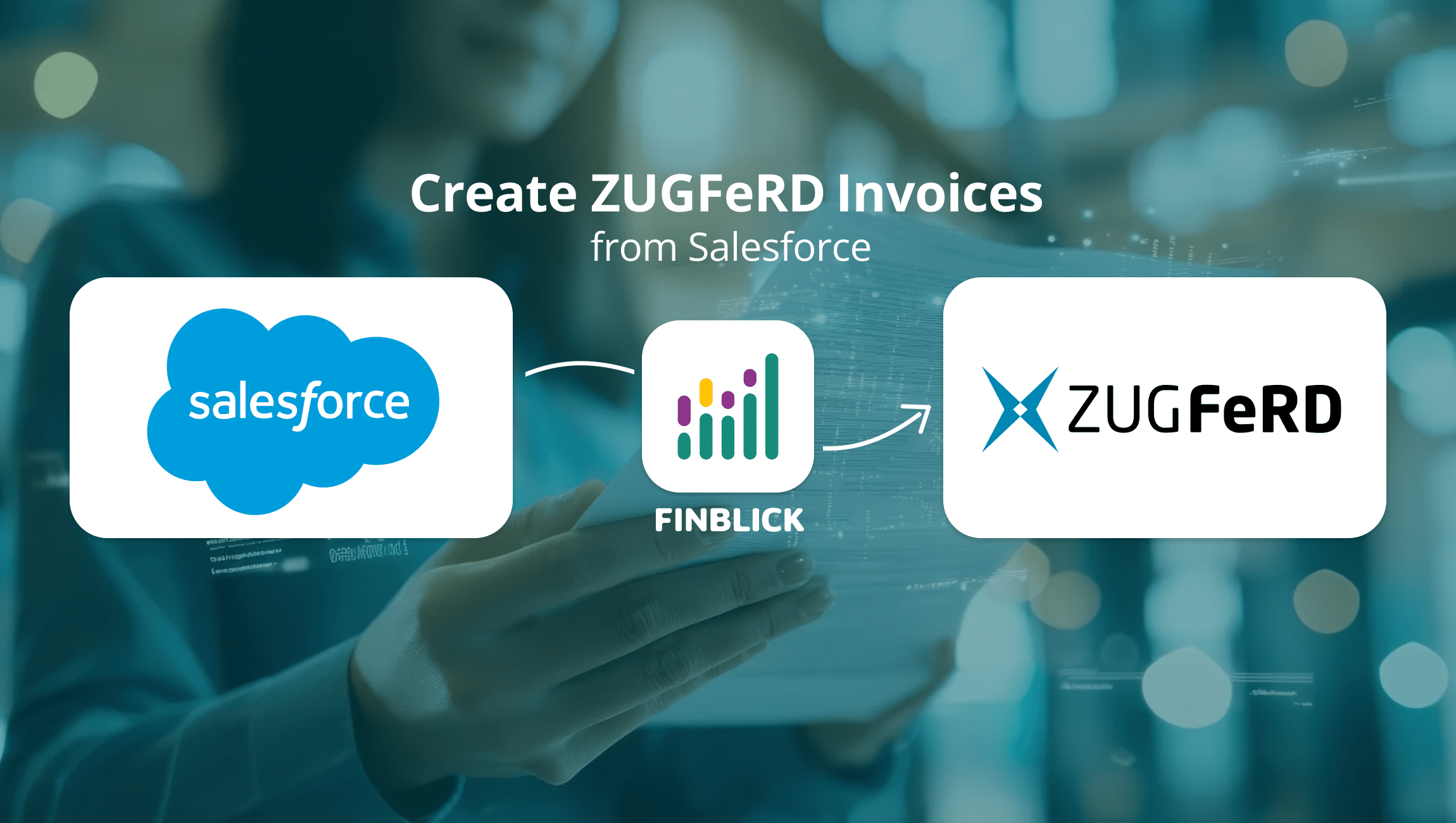
Want to create ZUGFeRD invoices in Salesforce – directly, without extra tools or manual exports? With Finblick, this takes ...
Finblick introduces a new feature: global discounts and surcharges directly in Salesforce. It is ideal for SMEs working with ...

We look forward to hearing from you and will usually reply within one business day!