






Create Invoices in Salesforce
With Finblick, you can create, manage, and send invoices directly within Salesforce – without any media discontinuities or external tools. All invoicing processes are seamlessly integrated into your Salesforce environment and can be fully automated.
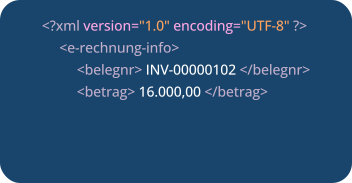
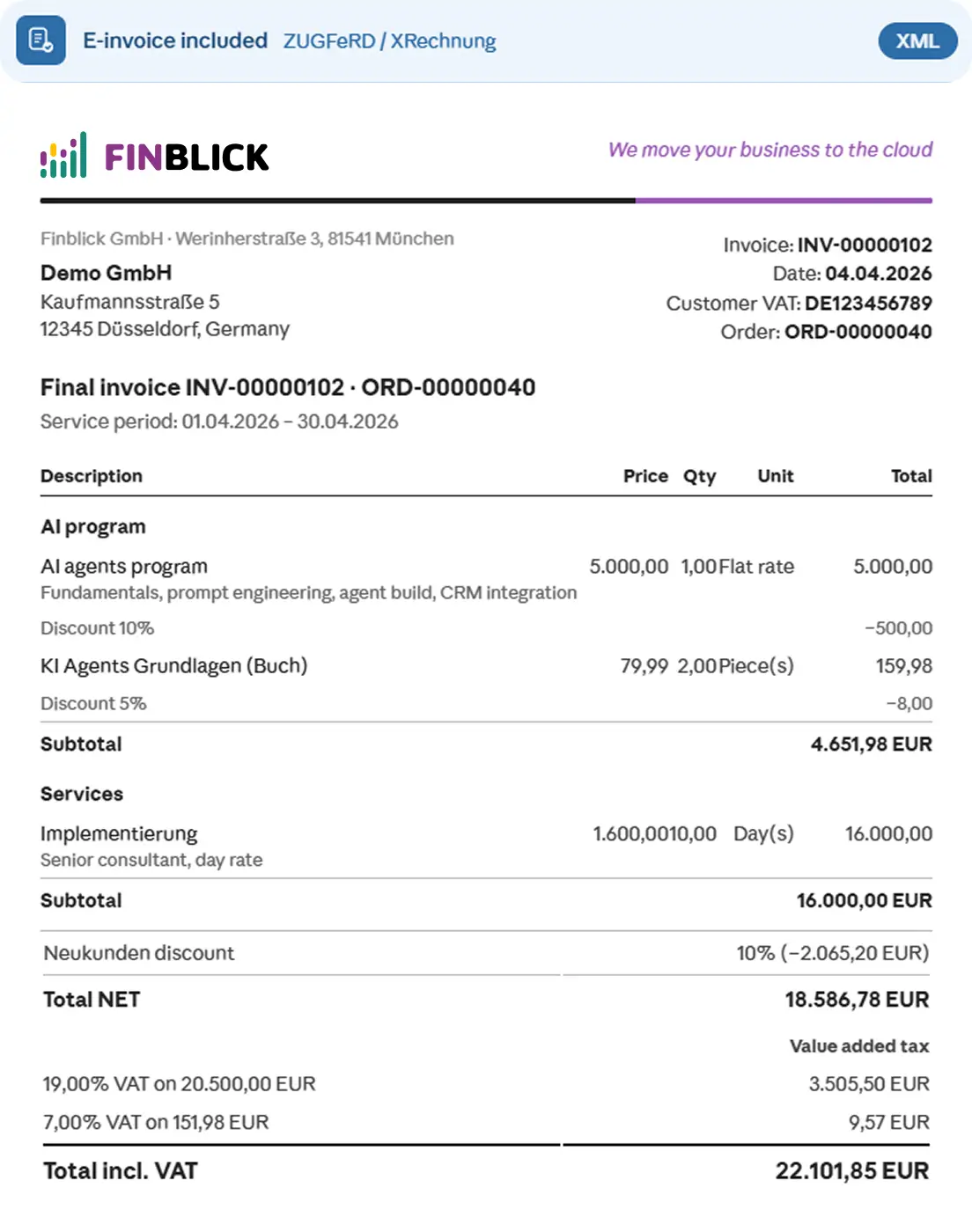
- E-invoices: XRechnung and ZUGFeRD
- Partial, advance, and final invoices
- Cancellation and correction invoices
- Automatic VAT and account determination
- DATEV export





Invoices for Every Use Case
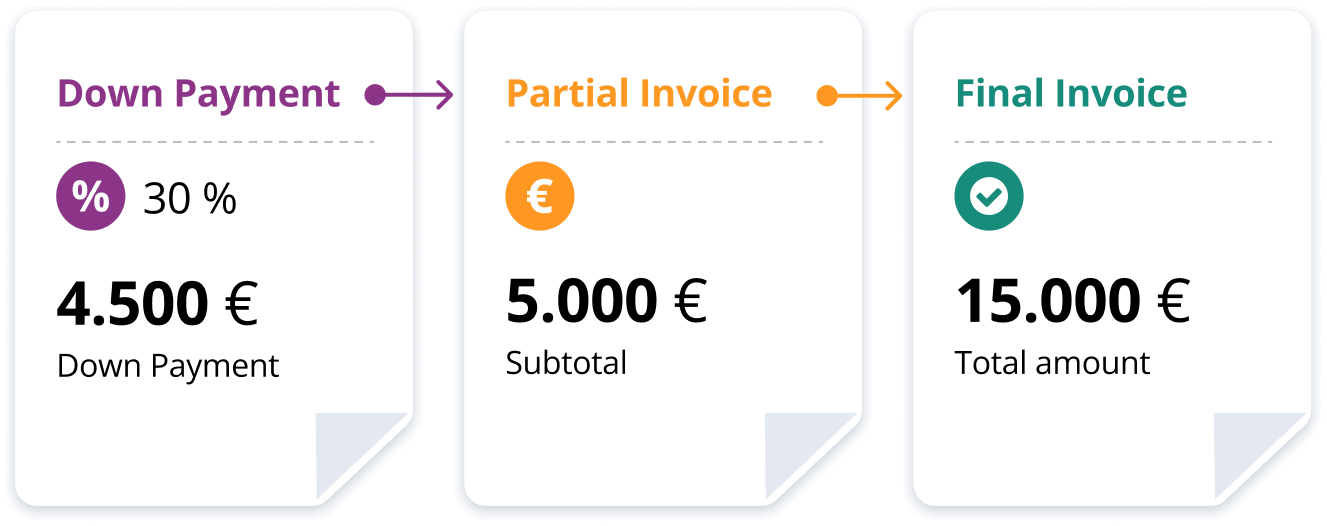
Finblick supports all common invoice types:
- Partial invoices
- Advance invoices
- Final invoices
All invoices are logically linked and fully traceable at any time.
Attachments
Attachments can be added to each invoice, such as:

DATEV Export from SF & Automatic Account Assignment
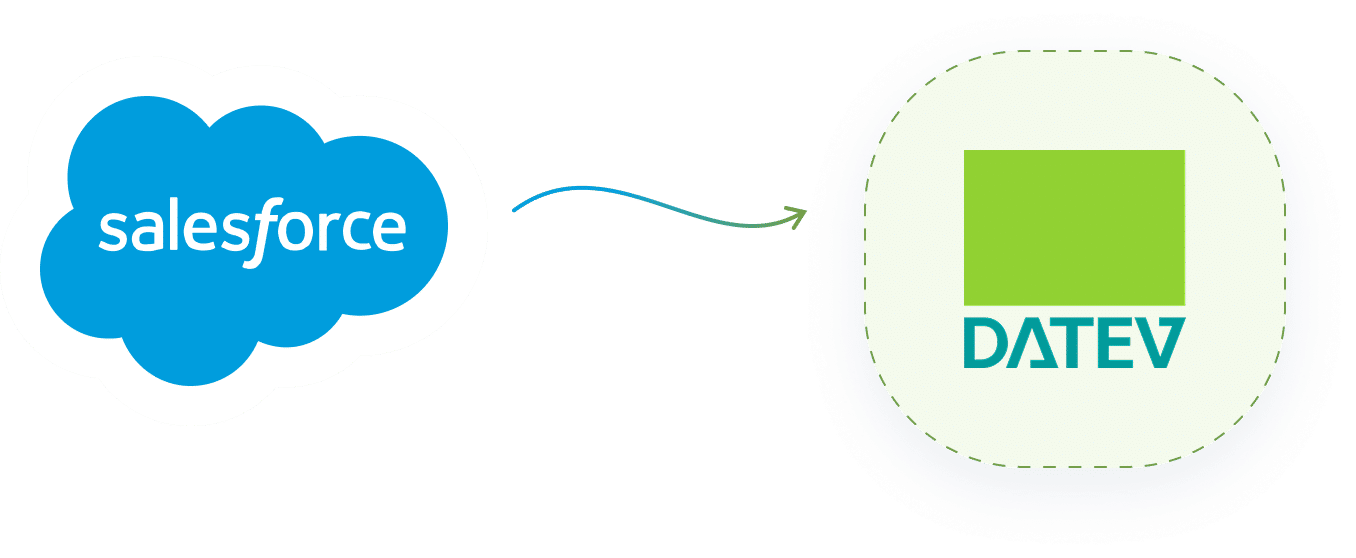
Finblick automatically assigns tax rates and ledger accounts and transfers the data directly from Salesforce to DATEV – ensuring a seamless handover to financial accounting.
Flexible Invoice Templates
Finblick offers fully customizable invoice templates that can be tailored to your corporate design and business requirements – including logos, texts, layouts, and legal notices.

Cancellations & Credit Notes
Invoices that have already been created can be:
- Cancelled via cancellation invoices
- Corrected partially or fully using credit notes (even at line-item level)
This ensures your billing remains accurate
and audit-proof at all times.



Trust built on real Salesforce processes
Companies that optimize their invoicing processes with Finblick
Organizations across various industries use Finblick to streamline their invoicing processes, ensure consistency, and integrate processes directly into Salesforce.
“We use Finblick since 2023 and I would recommend it, it streamlined our processes and has a full-solution out of the box, which also could be customized. Loved to work with Konstantin and his team.”

Frequently asked questions about finblick
Key information about the invoicing in Salesforce at a glance
Here you’ll find answers to common questions about working with Finblick's invoicing feature. The information provides initial guidance and helps clarify typical workflows. For specific requirements, we’re happy to advise you individually.
Can Finblick be adapted to our existing Salesforce processes?
Finblick can generally be configured flexibly and adapted to many existing workflows. This includes integrating approval processes, using custom objects, or applying your own document templates. We review which adjustments make sense in detail together with you.
Can Finblick be adapted to our existing processes?
Finblick is designed to be flexible and can be configured to fit many existing workflows — including your invoicing process. This includes integrating approval workflows, working with custom objects, or using tailored document templates. We're happy to review which customisations make sense for your setup.
How does invoicing in Salesforce work with Finblick?
Invoicing in Salesforce with Finblick is straightforward: once a quote is approved, you can generate an invoice in just a few clicks. All relevant data — line items, prices, and customer details — is transferred automatically. The finished invoice can be sent directly from Salesforce and seamlessly handed off to DATEV. Learn more about the quote-to-invoice journey on our Quotes page.
What invoice types does Finblick support? Can it handle down payment invoices?
Finblick supports all common invoice types: partial invoices, down payment invoices, and final invoices. Each type is logically linked to the others, making the full billing cycle transparent and traceable. Down payments can be invoiced upfront and correctly offset against partial or final invoices later.
In addition, invoices can be cancelled via credit notes — either partially or in full, including at line-item level.
Can I create e-invoices like XRechnung or ZUGFeRD with Finblick?
Yes. Finblick supports the XRechnung and ZUGFeRD formats, meeting the legal requirements for electronic invoicing in B2B transactions and with public authorities in Germany. E-invoices are generated directly within Salesforce and can be sent straight from there. Our blog post explains exactly how to create e-invoices in Salesforce.
Is there a DATEV integration? How does invoicing in Salesforce connect with DATEV?
Yes, Finblick includes a DATEV integration. Full details are available on the DATEV integration page. Finblick automatically assigns tax rates and posting accounts, then transfers invoice data directly from Salesforce to DATEV. This reduces manual effort and minimises transfer errors — your finance team receives structured, ready-to-process data.
Can Finblick automatically generate invoices from Salesforce data?
Yes. Finblick can automatically generate invoices in Salesforce based on existing Salesforce objects. Depending on your implementation, invoices can be created directly from quotes or orders, making the handoff from sales to billing seamless. Line item and customer data is carried over automatically — no manual re-entry required. This saves time and reduces errors across your entire invoicing process in Salesforce.
Can I create invoices in multiple languages and currencies?
Yes. Finblick supports multilingual invoice templates as well as multi-currency. You can issue invoices in both the language and the currency of your customers — particularly useful for internationally active companies or holdings with multiple entities. Find out more on our Multi-Tenancy page
Can I apply global discounts or surcharges?
Yes. With Finblick you can apply global discounts or surcharges to invoices. These are handled centrally and displayed transparently on the invoice, keeping prices consistent and eliminating manual adjustments.
Can invoices be sent to customers automatically?
Yes. Invoice delivery can be automated — for example via email or through defined Salesforce processes. Get in touch with us to tailor the automation to your specific requirements.
What does the invoicing feature in Finblick cost?
A complete and up-to-date overview of all packages and prices is available on the Finblick pricing page. Finblick is licensed modularly — you only pay for the features you actually use.

Send Quotes Faster. Improve Your
Processes. Directly in Salesforce.
From 20€ per user/month Learn more about our pricing here